Sign · Contracts without the detour
From first draft to signed record.
Prepare a document, invite signers, and keep the completed record. AI can help with the first draft.
Plan and usage limits apply. View pricing
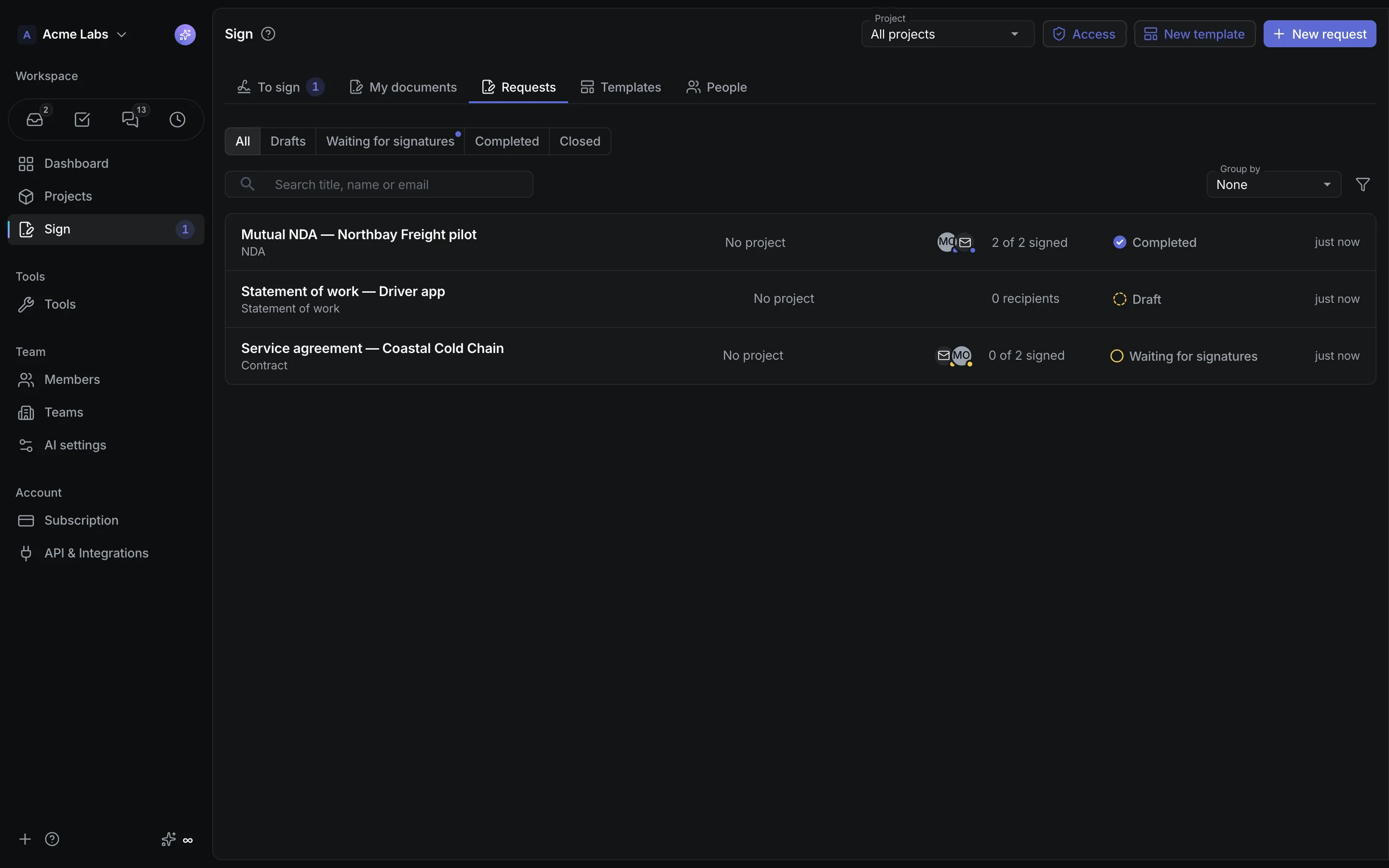
Product walkthrough
Sign, in context.
Demo project data shown for illustration.
Screen 01 / 03
Requests
Every signature request with its recipients and progress.
A closer look
The details,
when you need them.
Explore the workflow, what it produces, and how access works.
How Sign works
Sign prepares documents, sends them for electronic signature, and keeps the signed record. Write a contract in the shared editor or let AI draft it, upload an existing PDF, drag signature fields in per role, add members and external people, and send. When everyone has signed, the platform seals the record and renders a PDF with a certificate of completion.
- Start from a shared template, a built-in starter such as a mutual NDA, statement of work, or services agreement, a Knowledge document, a blank page, or Draft with AI, and optionally link a project.
- Add recipients with roles, an optional signing order and access code, drag Signature, Initials, Date signed, Full name, Text, and Checkbox fields into the text or onto PDF pages, and preview before sending.
- Members sign in the app; external people open a personal link, confirm a six-digit email code, and sign without an account. Remind, cancel, extend, or correct an address while the request is open.
A practical example
A consultancy sends a statement of work to a new client, needs the client's director to sign without creating an account, and wants the signed contract linked to the invoices that follow.
What you get
A signed PDF with its certificate
- A recipients timeline, the frozen documents, the activity trail, and the seal, plus a fingerprint check for any signed PDF
- Bulk send: one template to a whole list of people, each row its own request
- Certificate signing for people with their own digital certificate, verified on upload, and New invoice straight from a completed request
Using Sign
Drawn and typed signatures are simple electronic signatures; a certificate signature is as strong as the signer's certificate. Starter templates are examples, not legal advice. Free workspaces send 5 requests per month and 20 external signer emails per day; paid workspaces send 200 external emails per day.
Keep exploring