Outsource · A brief, not a brain dump
A clear brief. A better handoff.
Turn selected product context into a private service brief. Review what you share, then track the proposal.
Plan and usage limits apply. View pricing
Product walkthrough
Outsource, in context.
Demo project data shown for illustration.
Screen 01 / 03
Requests
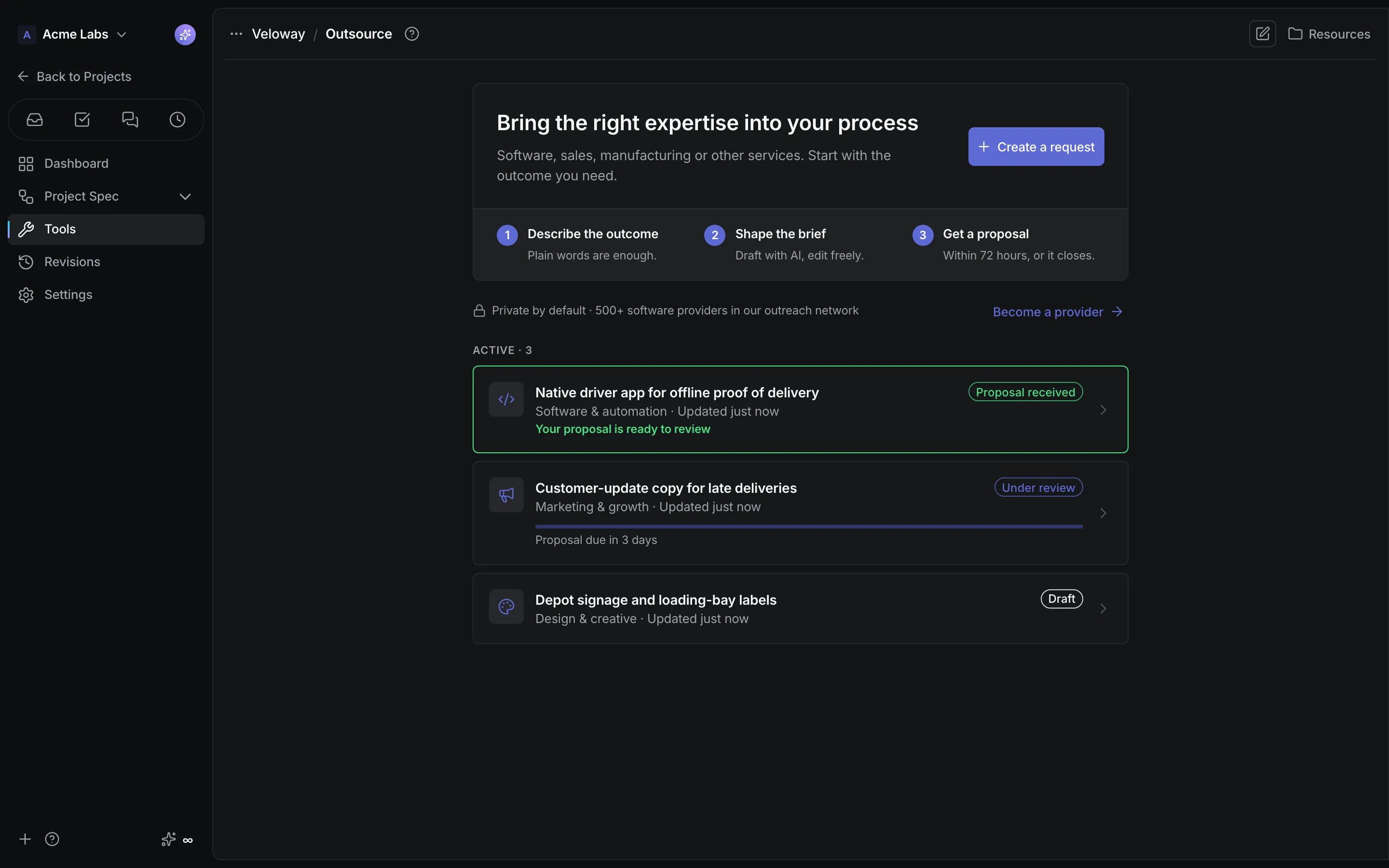
Every brief shows where it stands, from draft to submitted to proposal received.
A closer look
The details,
when you need them.
Explore the workflow, what it produces, and how access works.
How Outsource works
Outsource turns business or software requirements into a private service brief with a title, category, Markdown request for proposal, and a contact email. AI drafts it from the roles and flows you select; you review, edit, and submit; a provider answers inside a fixed window.
- Describe the outcome, optionally pick the roles and flows that give the AI context, and choose Draft with AI or write the brief yourself in the shared editor.
- Review the brief and your contact details, give consent for exactly what is shared, and submit. Active requests show the 72-hour response countdown.
- Read the proposal's pricing and timing above the scope, or refine and try again from a saved brief when a request expires or is withdrawn.
A practical example
A product owner wants a proposal for building a mobile companion app and for a marketing push, and needs the request to describe the real product without leaking internal notes.
What you get
A reviewed request with a tracked response
- A progress tracker from Draft to Under review to Proposal, with the exact response deadline
- Categories from software and automation to marketing, design, support, manufacturing, logistics, and professional services
- Raw project context cleared on submission and redacted from what a provider ever sees
Using Outsource
Only the reviewed brief and contact details leave the project. Providers apply separately through Become a provider and never see each other's applications, and a proposal is a proposal: accepting work and payment happen between you and the provider.
Keep exploring