CrystalSpec Drive
A home for
the work.
Files, documents, and Data Apps. Together in your workspace.
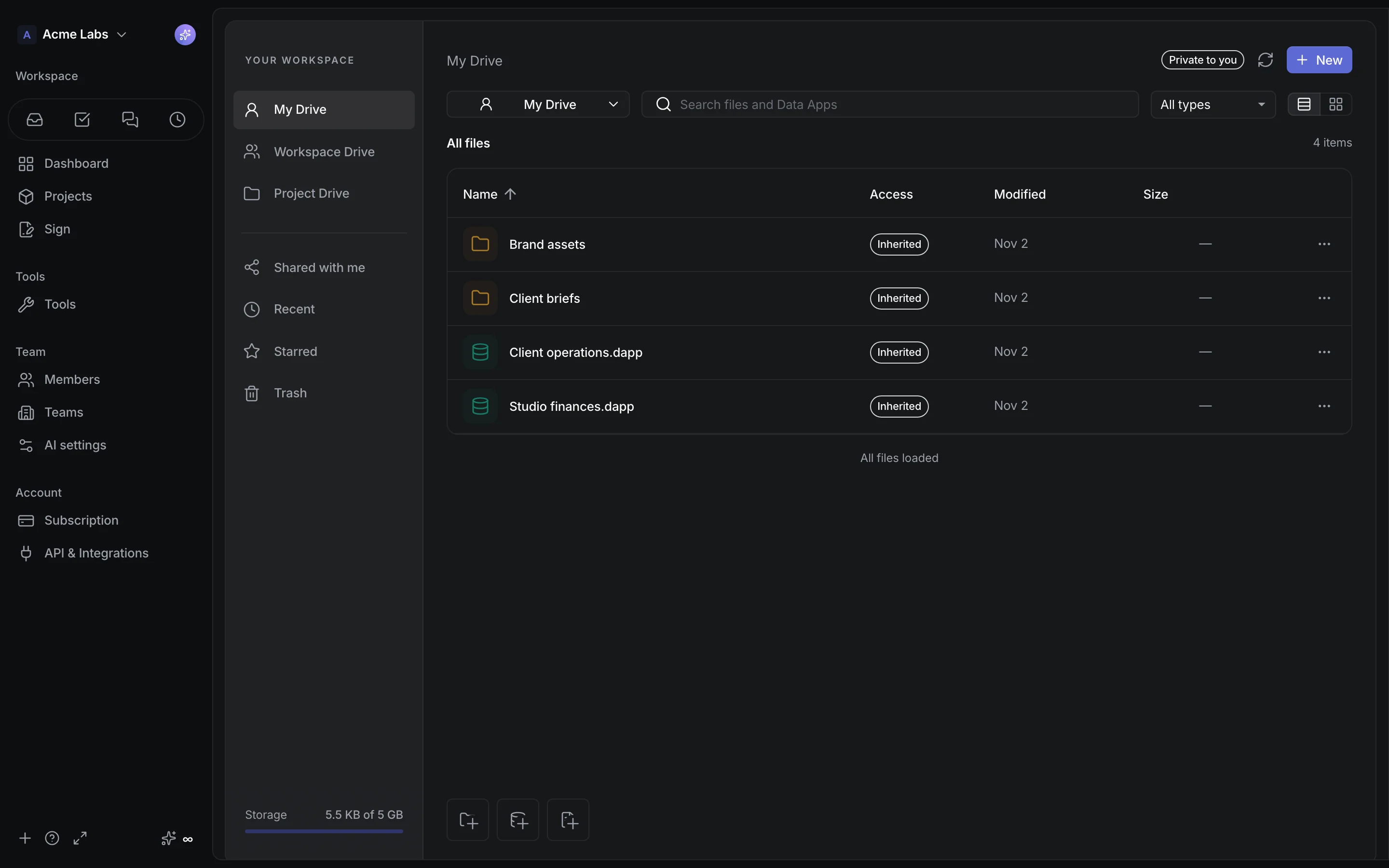
Keep it organized.
Personal, workspace, and project spaces. Folders, search, and starred files.
Work in place.
Preview files. Write native documents. Keep saved versions close.
Share with your team.
Give workspace members Viewer or Editor access. Keep restricted work restricted.
More than a file
Meet
Data Apps.
Build a client tracker, a finance dashboard, or a tool of your own—with related lists and saved views.
Explore Data Apps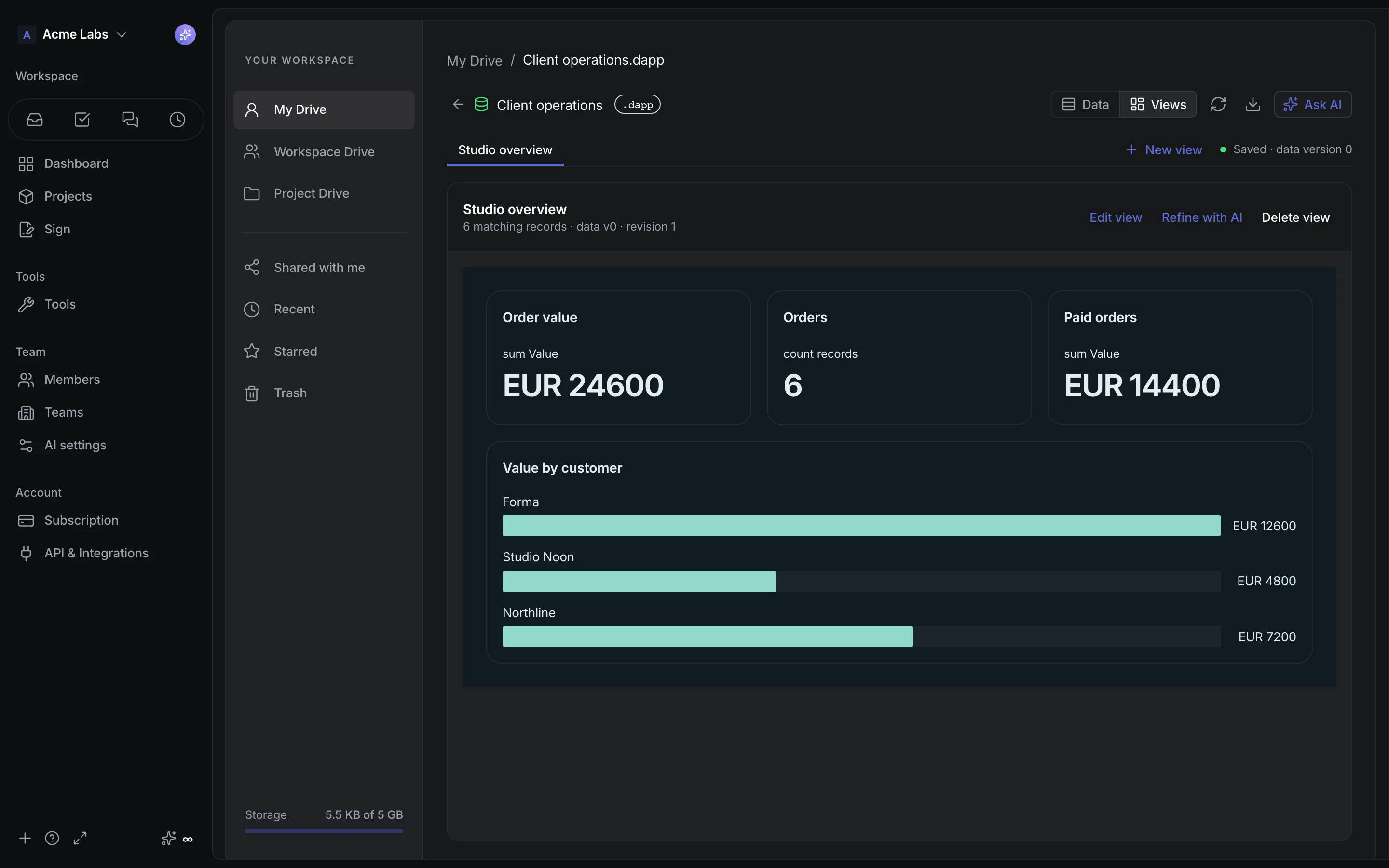
A closer look
Your files.
Clear boundaries.
Where does the work live?
My Drive is your personal space within a workspace. Workspace Drive and each project’s Drive have their own audiences. Shared with me helps you find items explicitly shared with you.
What can I open here?
Preview supported images, PDFs, video, and text files. Write native documents or open a Data App. DOCX previews show text; download the original for its full layout.
How do storage and access work?
Files, documents, and Data Apps use the workspace’s shared storage allowance. Sharing is with workspace members; Viewer and Editor permissions control what they can do.