A business app inside a file
Your data.
Now an app.
A Data App is a file in Drive with related lists and saved dashboards. Build it by hand or with AI.
One file. Many ways to work.
Start in Drive.
Choose New → Data App. Give your file a name.
Connect records.
Add lists like Customers and Orders. Link the records that belong together.
Save a view.
Turn those records into tables, charts, and metrics. The values follow the data.
Product walkthrough
Data Apps, in context.
Demo project data shown for illustration.
Screen 01 / 03
See the business
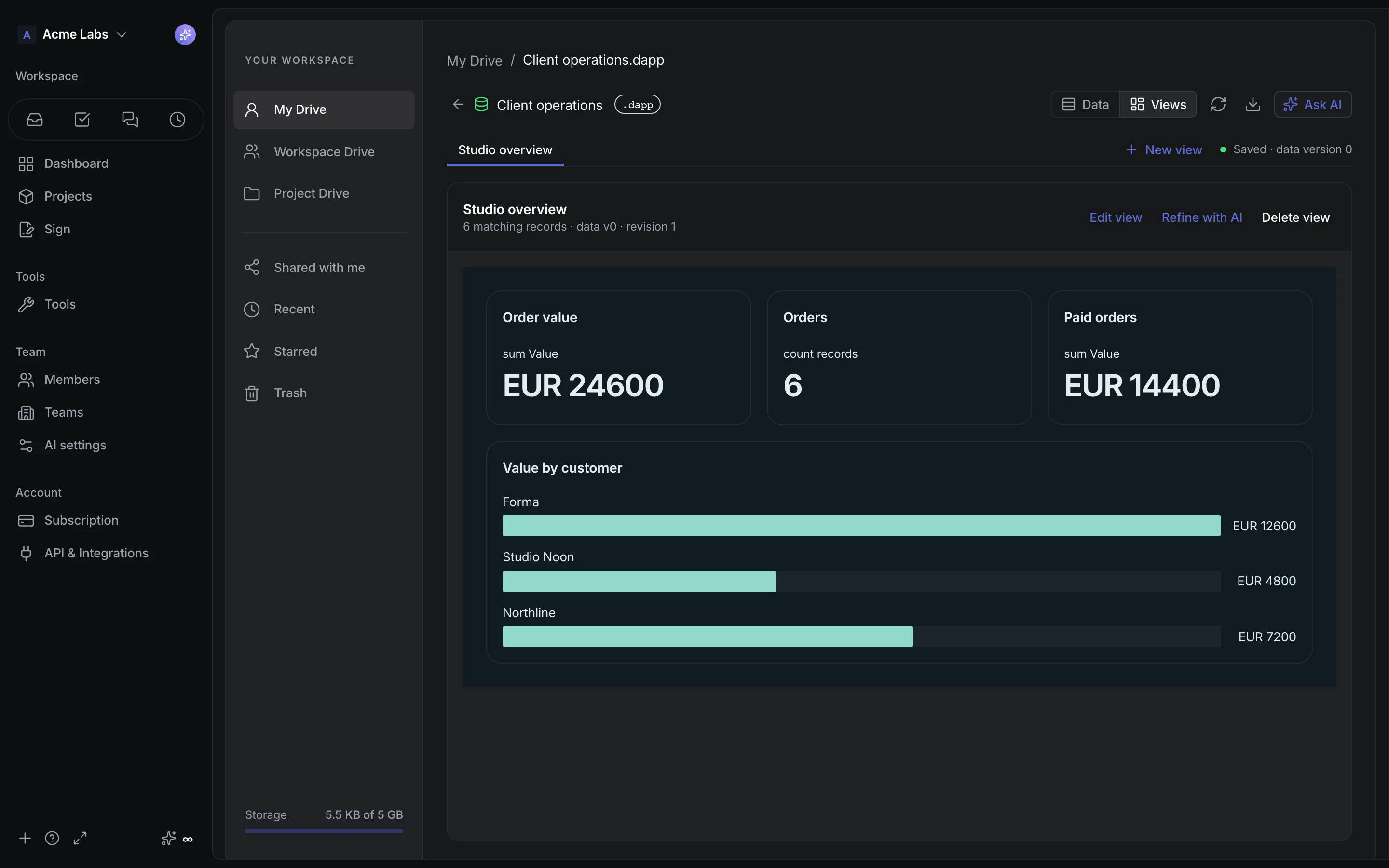
Six orders. Three customers. One saved overview, calculated from the records.
Build with AI
Ask for the app.
Keep the final say.
Describe what you need. Review the proposal. Apply it when it fits.
Manual building is always an option.
An example request
“Build a client tracker with orders and an overview by customer.”
- Customers and Orders lists
- Linked records and money fields
- An overview of order value
Review first. Apply when you’re ready.
Illustrative proposal · Generation uses AI credits
A closer look
Small file.
Plenty inside.
What can a Data App hold?
Multiple lists with text, numbers, money, dates, choices, people, attachments, and links between records. Lookups show fields from related records. Dynamic lists can reference workspace members and the projects each reader can access.
How does AI help?
Describe an app to receive a proposal with lists, fields, records, and views. Review the structure, data, and previews before applying it. You can also build manually, or ask AI to help refine a view. AI generation uses workspace credits.
What happens when the data changes?
Saved views recalculate their queries from the records. Updating chart values does not require another AI generation. Open Data Apps refresh periodically; simultaneous edits are checked for conflicts.
Can I bring data in or take it out?
Import and export records as CSV or JSON, or export a .dapp package with schema, records, and view definitions. Imports are reviewed before applying. Packages exclude access permissions and attachment files; imported person and file values are cleared, and custom widgets become tables.
Build your first Data App.
Start freeWorkspace storage, AI credits, and usage limits apply.