Calendars · Shared time, bookable time
Make room for what is next.
Share team calendars and publish booking pages. Customers request a time; your staff confirm it.
Plan and usage limits apply. View pricing
Product walkthrough
Calendars, in context.
Demo project data shown for illustration.
Screen 01 / 03
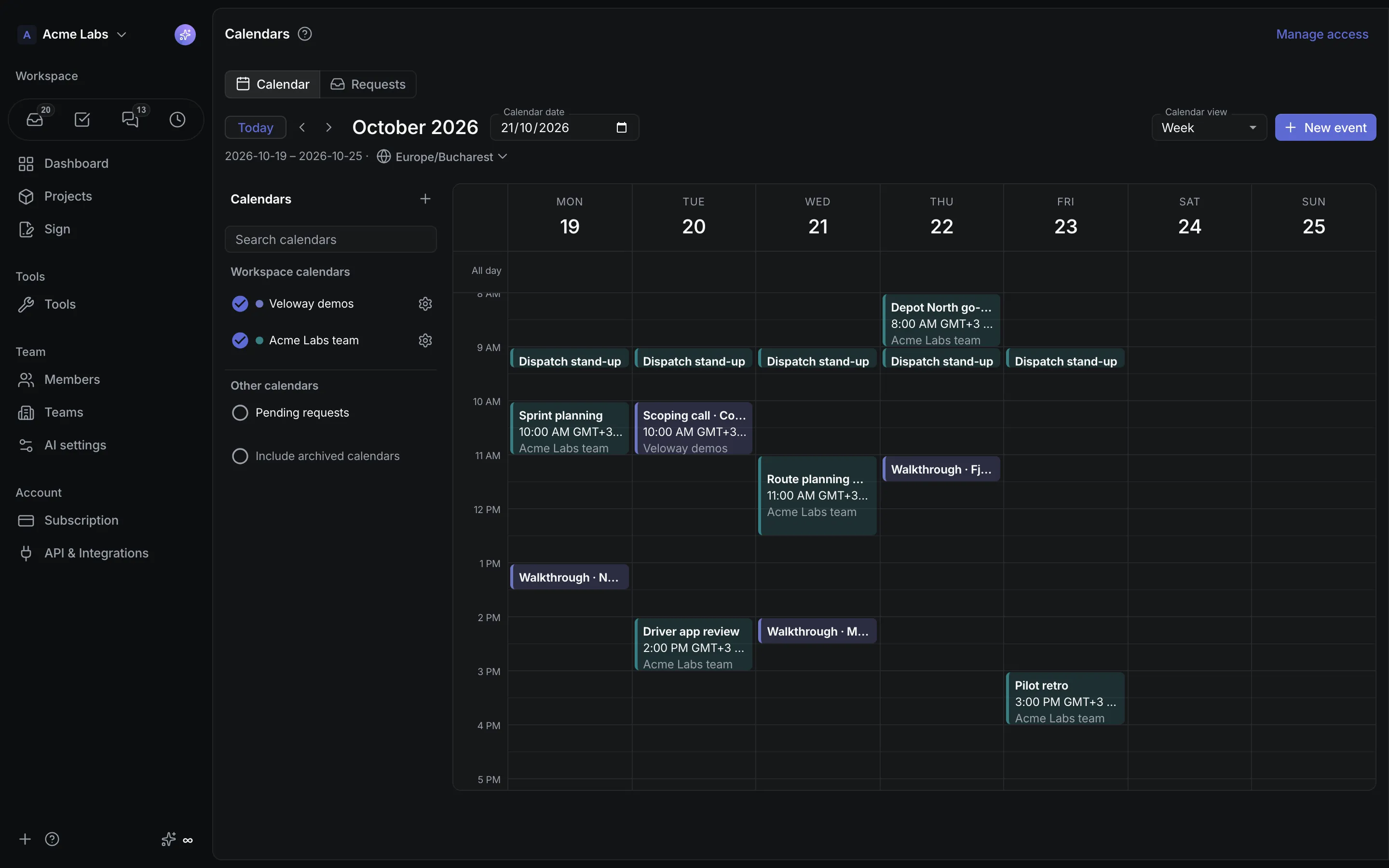
Week view
Internal events and customer appointments share one week view.
A closer look
The details,
when you need them.
Explore the workflow, what it produces, and how access works.
How Calendars works
Calendars is an optional workspace tool for shared internal calendars and bookable staff calendars. Members read their personal and workspace sources together in Day, Week, Month, and Agenda views, and a published booking page lets customers request appointments that staff confirm.
- Create shared internal calendars or bookable staff calendars with a responsible member, operators, services with durations and buffers, opening hours, dated overrides, a booking horizon, and a lead time.
- Publish the booking page: visitors pick a date on a month grid in the business timezone, choose a time, leave their details, and verify a six-digit email code.
- Operators confirm, decline, reschedule, or cancel requests, add manual appointments, and watch confirmed visits land in the responsible member's calendar.
A practical example
A clinic with two locations wants each practitioner's availability published as a booking page, every request verified and confirmed by staff, and the confirmed visits showing up in the practitioner's own calendar.
What you get
A calendar that doubles as a front desk
- Events with exact instants or all-day dates, invitations to members or email addresses, and a display timezone you can switch
- Pending requests that reserve no capacity until confirmed, and a private management link for each verified customer
- Personal calendars, due dates, and scheduled task time beside workspace events, with personal calendars never disclosed to public booking
Using Calendars
Access levels are None, Use, and Manage; confirming an appointment rechecks staff membership, the enabled tool, the subscription, and overlap. Unpublishing stops public intake while the queue stays with operators, and there is no cross-workspace capacity pool.
Keep exploring