Guidelines · How each role works the product
The right guide for each role.
Create practical manuals from the flows a role uses. Track when the source material changes.
Part of OnboardingPlan and usage limits apply. View pricing
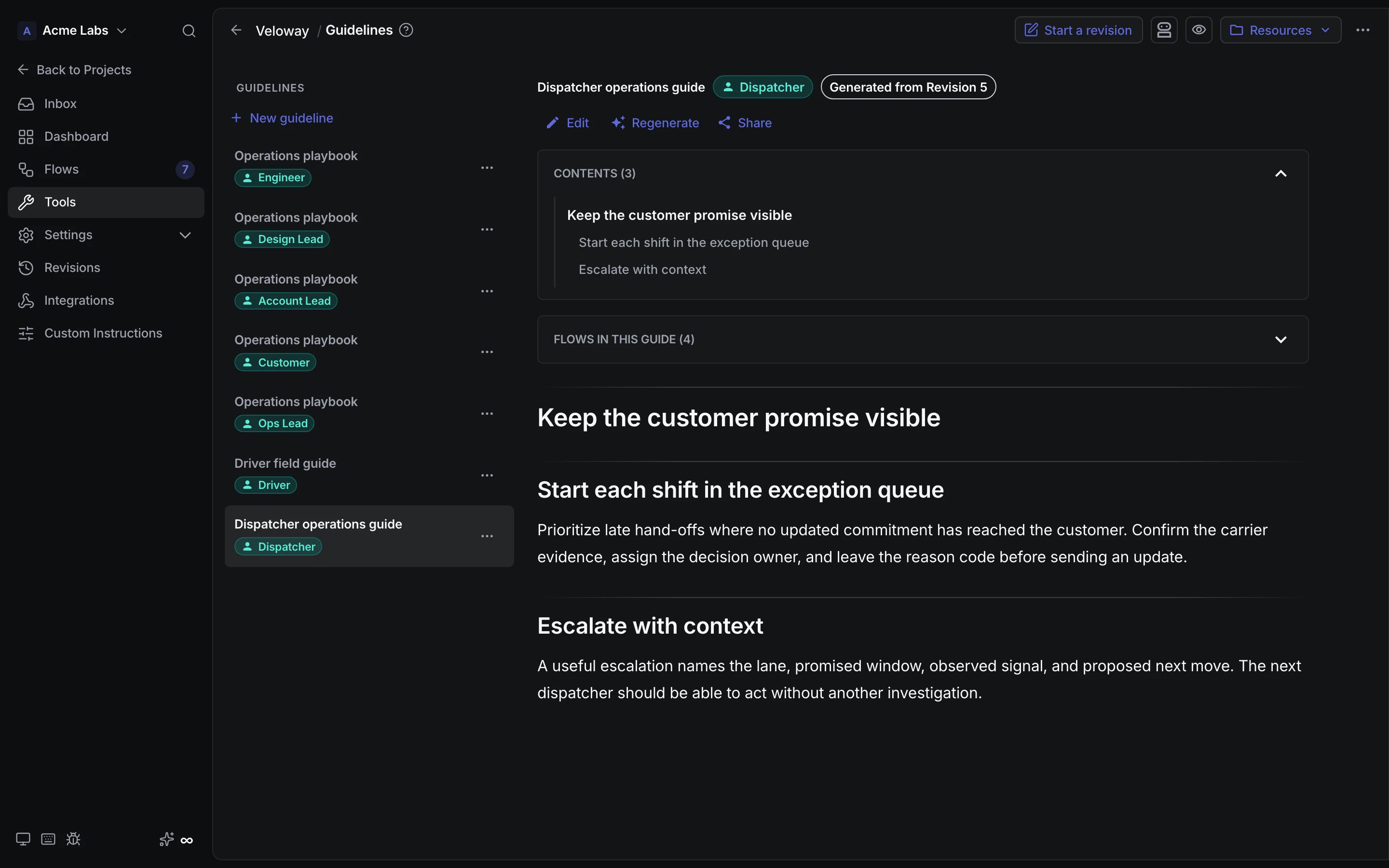
Product walkthrough
Guidelines, in context.
Demo project data shown for illustration.
Screen 01 / 02
Dispatcher operations guide
A role-specific manual keeps the exception queue and customer promise visible.
A closer look
The details,
when you need them.
Explore the workflow, what it produces, and how access works.
How Guidelines works
Guidelines, a tab inside Onboarding, creates per-role, task-oriented usage manuals from the flows a role actually takes part in, then tracks when their source material changes.
- Choose an audience and the flows that belong in its guide, or generate one guide for every role that appears in a flow.
- Read or edit the guide in Markdown, with a contents outline and flow provenance beside the manual.
- Update stale guides against the changed flows or regenerate when the team wants a fresh take.
A practical example
An operations lead needs a concise manual for support agents that explains how they work a returns flow, not a broad description of how the product works.
What you get
A role-specific usage manual
- An imperative guide tied to a role and selected source flows
- Staleness and edited markers that make provenance visible
- An optional link for one finished guide, independent of the project share
Using Guidelines
A guideline explains how one audience works the product; it is not the onboarding book. Guide sharing is per guide, while a project share can separately expose finished guides from the shared revision.
Keep exploring